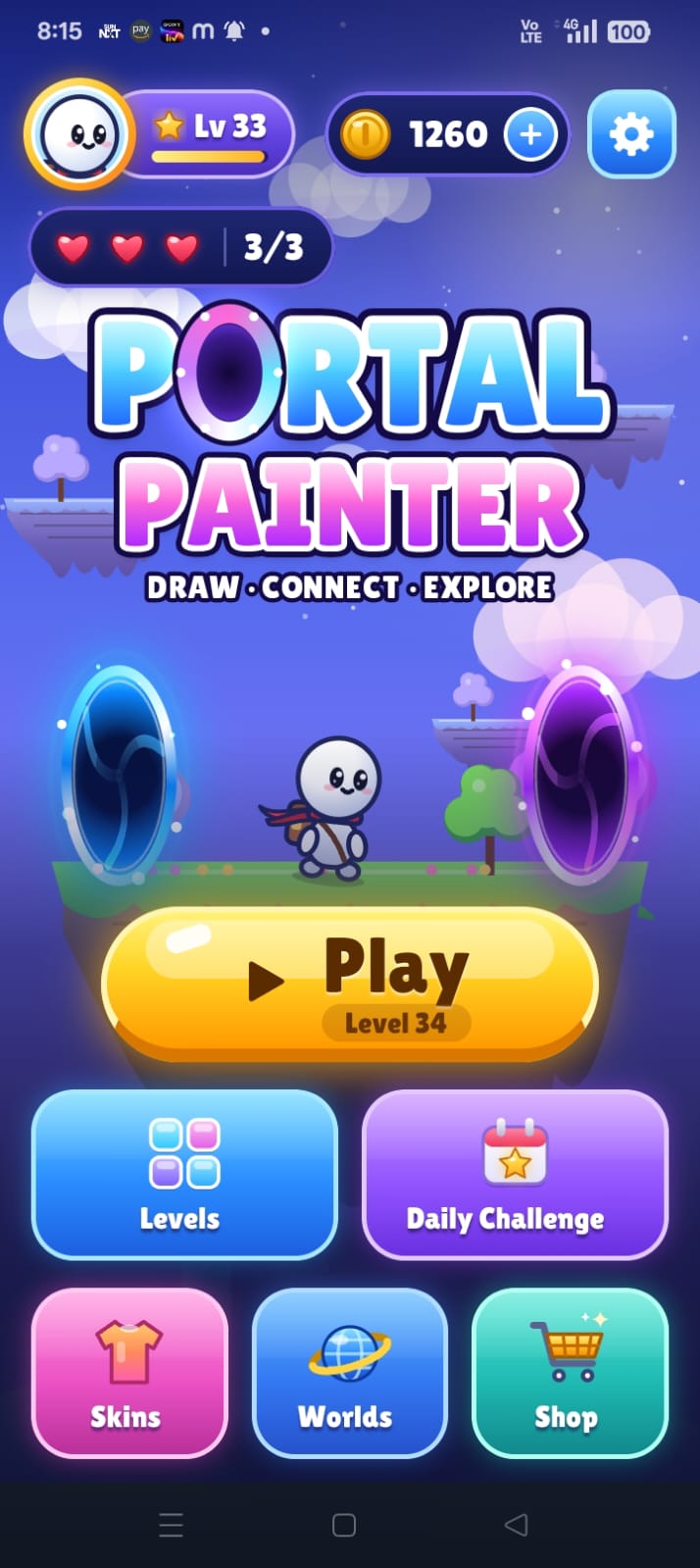
Support & Help Center
Need help with Portal Painter? Found a bug, have an inquiry about Google Play downloads, or want to share feedback on level design? We are here to support you.
For player assistance, business inquiries, and Play Store store listing reviews.
Frequently Asked Troubleshooting Questions
Q: How do I recover lost lives?
Lives automatically regenerate at a rate of 1 life every 30 minutes while the app is closed or open. If you want to continue immediately, tap "Watch Ad – Get 1 Life" to watch an optional Google AdMob rewarded video.
Q: The game is not playing audio or sounds. How do I fix this?
1. Check your phone's physical Silent / Do Not Disturb switch.
2. Inside Portal Painter, open Settings and confirm that Music and Sound Effects toggles are switched ON.
3. Ensure your Media Volume is turned up.
Q: Is my progress backed up when I change phones?
Portal Painter prioritizes privacy and stores 100% of save progress locally on your device storage without requiring personal account sign-in. If you switch phones, use standard Android device-to-device migration or backup tools to transfer your local app storage data.
Bug & Crash Reporting
If you encounter a physics glitch, layout deadlock, or unexpected crash, please email us with:
- Your exact Android device model (e.g. Samsung Galaxy S23, Pixel 8).
- Your Android OS version (e.g. Android 13, Android 14).
- The specific World and Level number (e.g. World 3, Level 24).
- A brief description or screenshot of what occurred.
Press & Media Resources
Official promotional assets, logos, and icon resources for media coverage, reviews, and store feature curation: